This guide walks you through installing RKTracer on a Linux or Ubuntu machine and configuring your free trial license for the RKTracer tool.
Make sure you have downloaded the RKTracer installer and your free trial license before you start.
Step 1: Run the installer
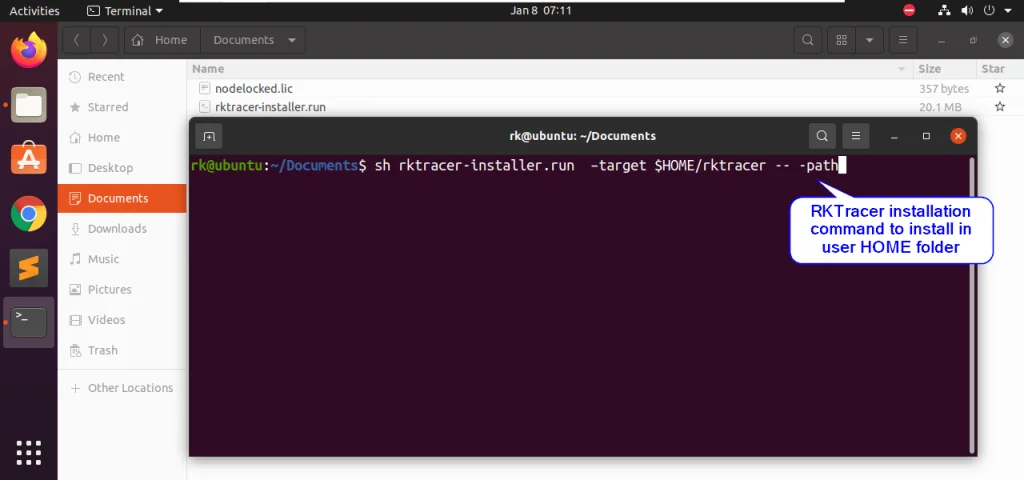
Open the download folder in a terminal and run the installer:
sh rktracer-installer-linux.run --target $HOME/rktracer -- -path
Step 2: Accept and continue
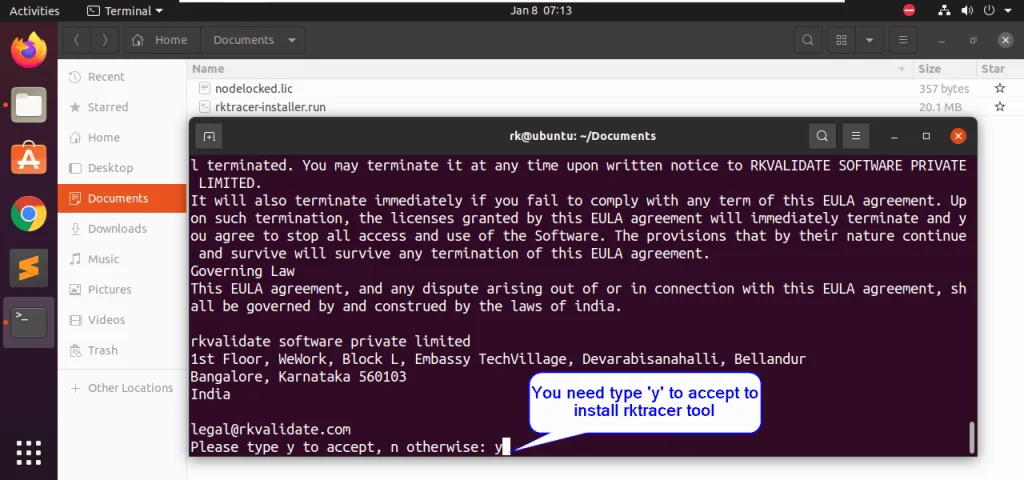
When prompted, press the y key to accept and continue the installation process.
Step 3: Update the paths
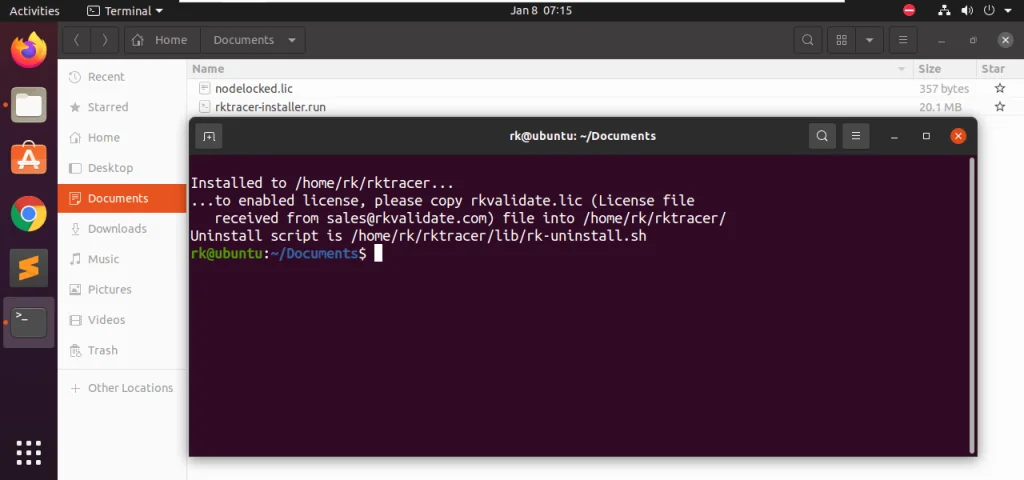
Once the installation completes, open a new terminal and run the following command to update the paths:
source */.bashrc
Step 4: License setup
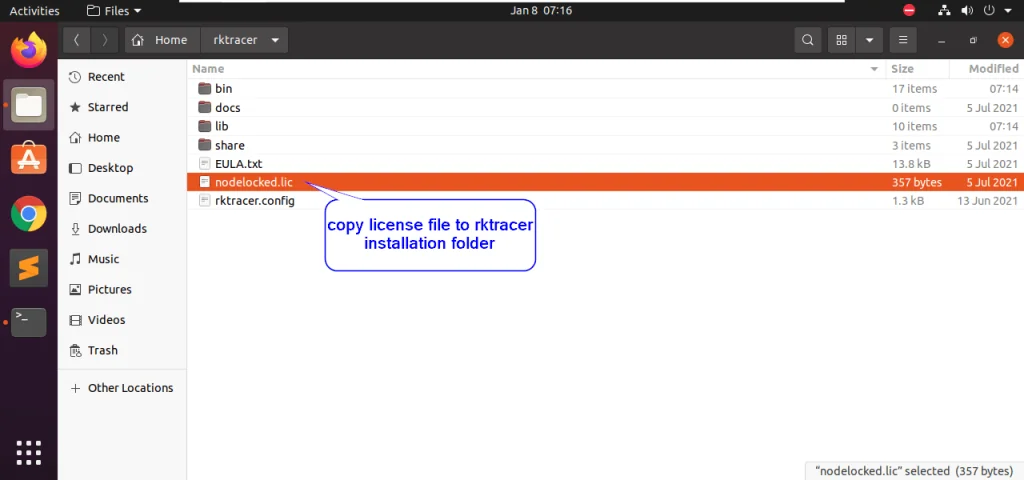
Copy the free trial license file to the RKTracer installation folder located in your home directory.
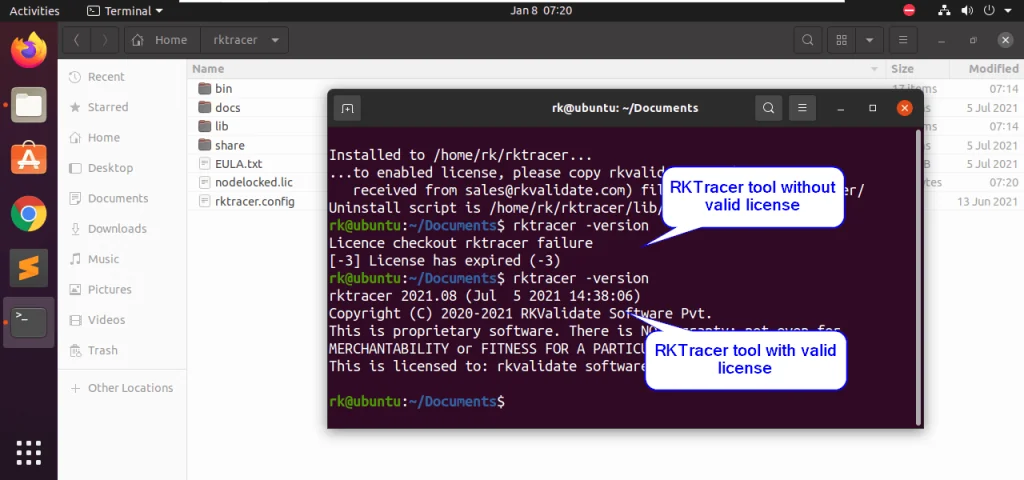
Step 5: Verify the installation
To confirm that everything is configured successfully, run:
rktracer -version
Once the license is verified, you have successfully installed RKTracer on your Linux machine and configured your free trial license for the RKTracer tool.